
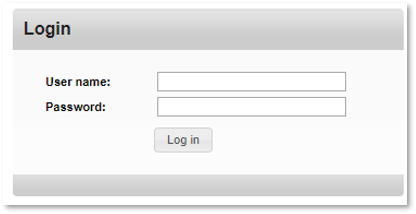
Enter your username and password.
Click Log In.
3. Click on 'Reporting Services' as shown below:

If you are experiencing problems signing in please ensure that you are using the correct username and password. If you have forgotten either of these, see the 'I can't remember my username/password' section.
If you are still experiencing problems contact your administrator.
Product Video:
This short video shows you how to access and manage your Reports (specifically for Cloud Contact Centre)
Related posts:
Reporting Services|how-do-i-access-reporting-services
Reporting Services|what-is-reporting-services